
Tool-free setup
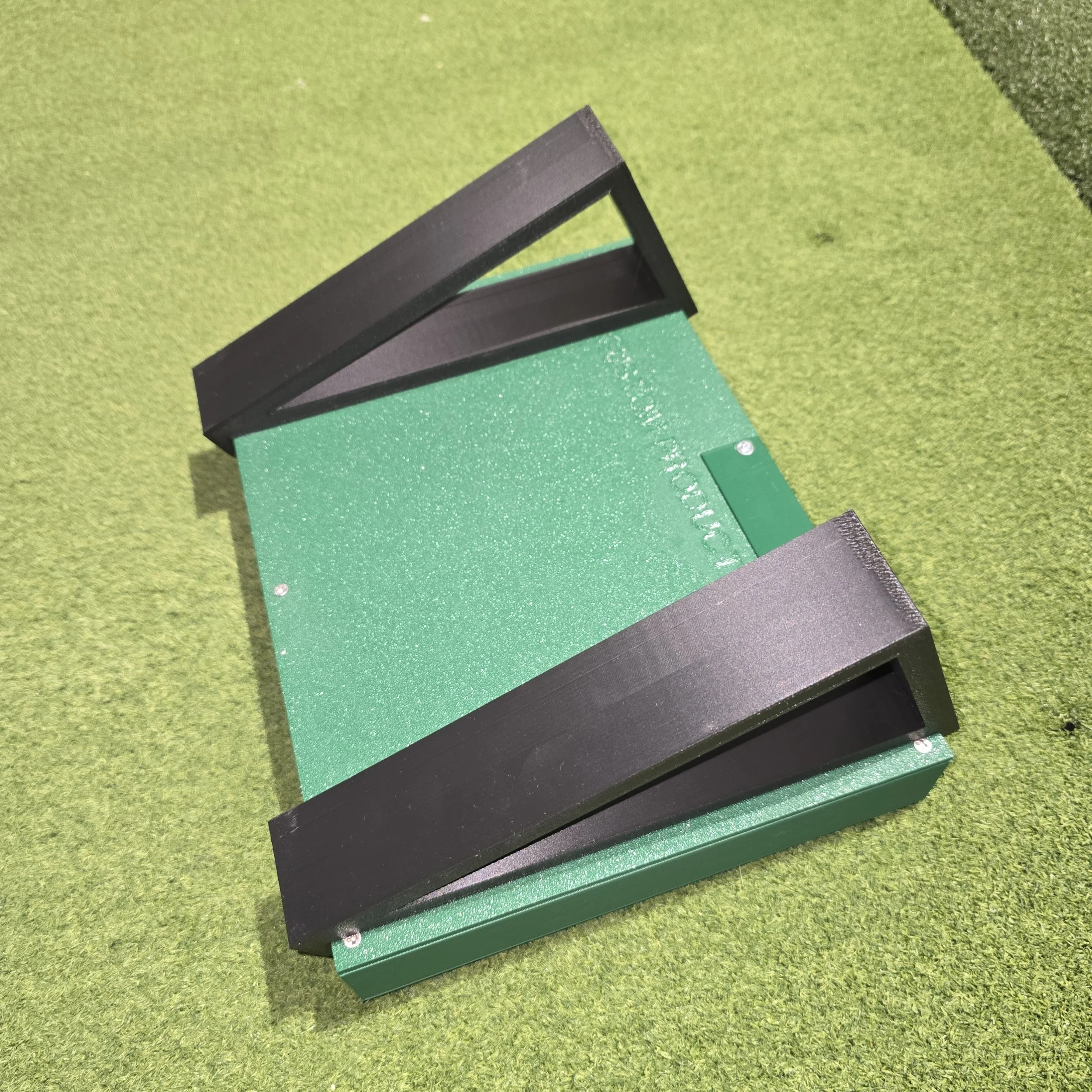
The brackets snap straight onto the control box, with no screws, glue or tools.


Tilt your control box up to a comfortable, easy-to-read angle
BA Custom Products · Simulator AccessoriesThis pair of snap-on angle brackets props your BA Custom Products control box at an angle, so the labels are easier to read and the buttons easier to press from where you stand. They clip on without tools, hold the box firmly, and come off in seconds if you'd rather lay it flat.
Why golfers choose it
The brackets snap straight onto the control box, with no screws, glue or tools.
A precision fit keeps the box steady while you press buttons during a round.
Works with all past and current BA Custom Products wireless control box versions.
Product details
| Brand | BA Custom Products |
|---|---|
| Product type | Control box stand (pair of snap-on angle brackets) |
| Compatibility | All past and present BA Custom Products wireless control boxes |
| Installation | Snap-on, no tools required |
| In the box | 2 angle brackets |
| Note | Control box sold separately |
This listing is for the stand only; the control box is sold separately. You can add the stand straight from the Wireless GSPro Control Box V2.5 page when you order your box.
Product questions
Grater Golf support
Tell us about your launch monitor, software and room, and we’ll help you choose accessories that work together.
Ask Grater GolfFree standard shipping on most orders $100+ within the contiguous U.S. Eligible items may be returned within 30 days. Custom, modified, cut, installed, and made-to-order products may be final sale.